Gamer Turns Original NES Into Working Desktop PC With Keyboard, Mouse and Browser
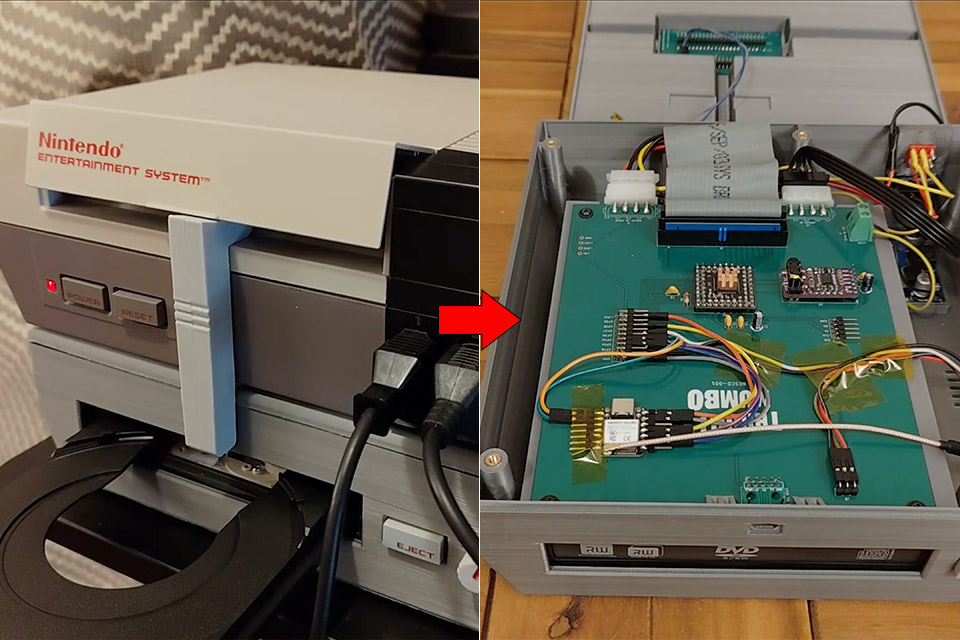
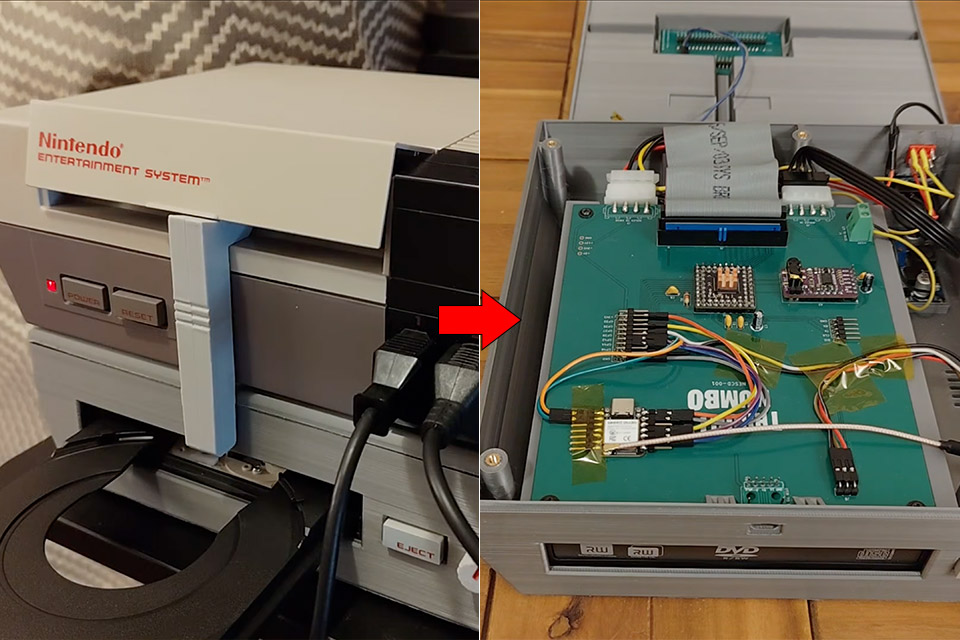
Throaty Mumbo has spent the past year chasing projects that most people would dismiss before the first soldering iron heats up. This time the target was a standard Nintendo Entertainment System (NES), the same gray box that once needed a cartridge and a CRT television. Instead of another emulator sitting on a modern computer, the goal was to keep the original console hardware in the loop and still end up with something that behaves like a desktop machine from the late 1990s.
An Everdrive N8 Pro sits in the NES cartridge slot, providing both storage and a Cyclone 4 FPGA in one neat package. That FPGA runs a Next186 x86 emulator fast enough that the NES no longer has to grind through every instruction on its own 6502 processor. A custom BIOS boots the system and presents a simple desktop with icons, a taskbar, and room for a few applications. Minesweeper works. A clock pulls the real time from the Everdrive’s onboard RTC. Files on the SD card can be browsed and opened without leaving the console.
Sale

Apple 2026 Mac mini Desktop Computer M6 chip | 12‑core CPU and 12‑core GPU, 16GB Unified Memory…
- LITTLE DO-IT-ALL — Mac mini packs pure power into a small, five-by-five-inch desktop as the M6 chip delivers next-level AI capabilities. Mac mini…
- M6 CHIP — Everything you do on Mac mini feels more responsive with the M6 chip and its next-generation CPU. Fly through AI workflows with up to 4.8x…
- CONNECT IT ALL — Features three Thunderbolt 4 ports, an HDMI port, and a 2.5Gb Ethernet port in the back, and two USB-C ports and a headphone jack…
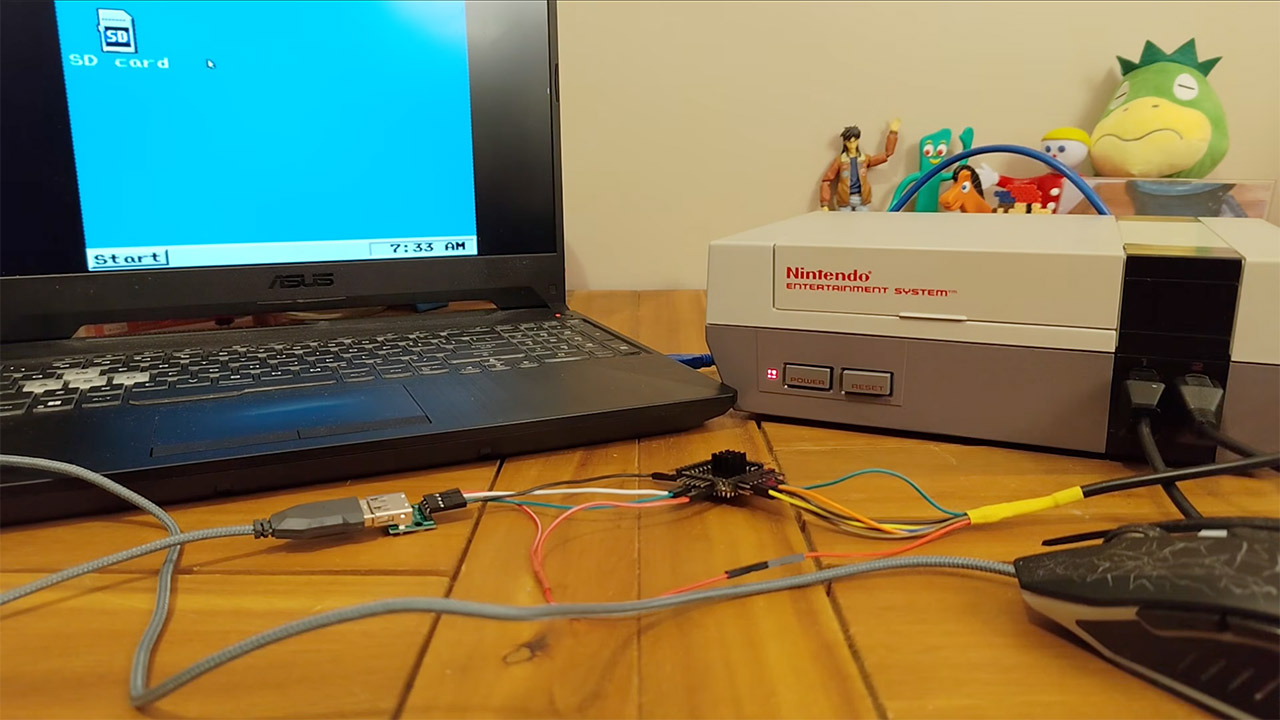
You can connect a keyboard and mouse to one of the original controller ports with a little adapter. This converter converts USB signals into the few pins already present on the NES controller ports using an RP2350 microcontroller. As a result, a cheap USB hub allows you to connect a keyboard and mouse at the same time. Even better, you can use a MIDI keyboard instead of typing letters.
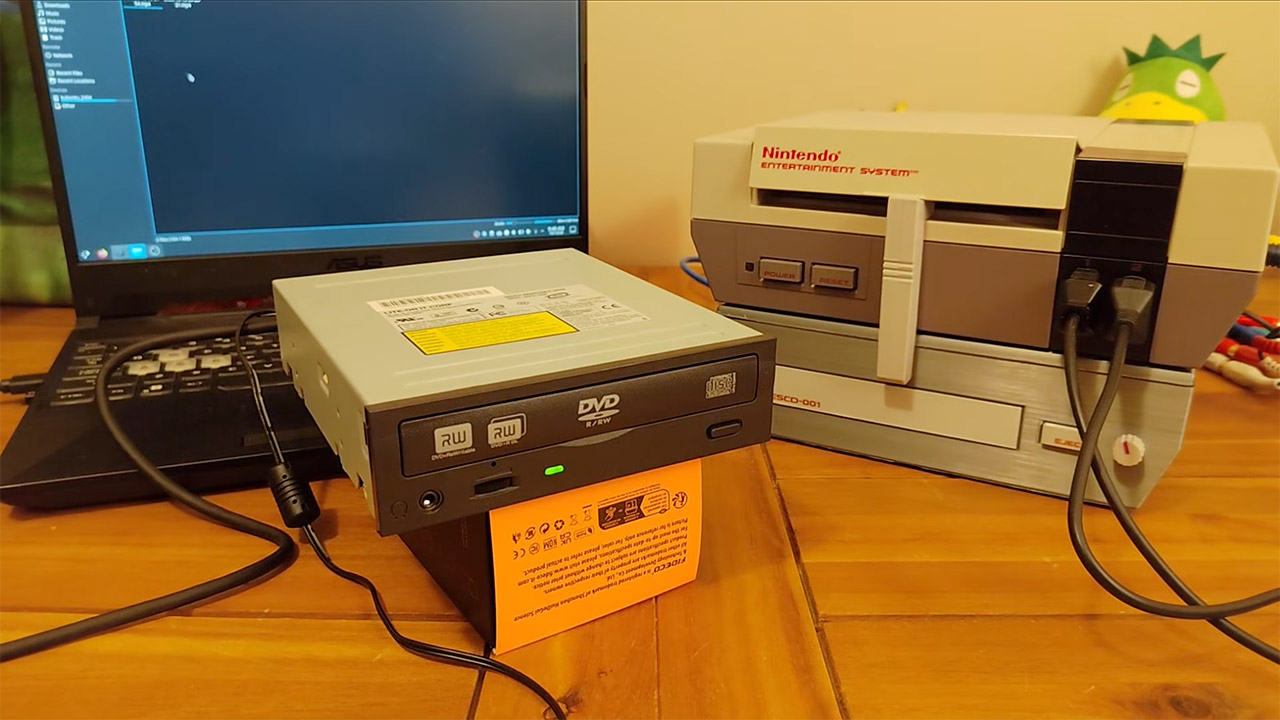
Guess what? The same Everdrive and micro controller combo that powered Mumbo’s previous NESCD project is back, and this time it’s expanded to support DVDs. A standard IDE optical drive is housed in a 3D-printed foundation beneath the NES. The micro controller performs MPEG and AC3 decoding, as well as rudimentary DVD decryption, so the console does not have to deal with the heavy lifting. Games and music continue to load from disk as before, but the disk tray now also serves the desktop environment.
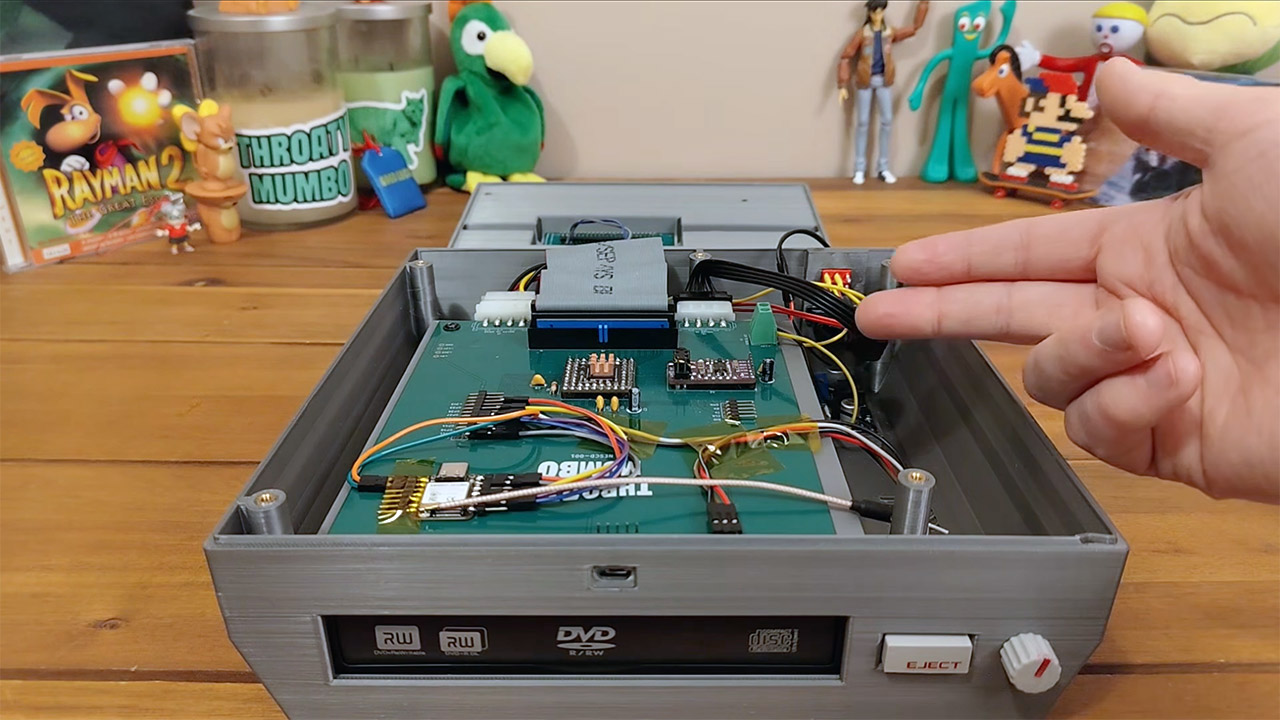
An ESP32-S3 module wired over SPI provides Wi-Fi connectivity. The micro controller handles the HTML parsing, leaving the NES to render the finished page using its restricted color palette. You can bookmark common sites from a list, and there’s even a simple proxy setup to keep traffic under control. When the connection is stable, some YouTube videos will play back in chunky 8-bit frames. Because the NES has almost no free RAM, apps are swapped out via save states rather than real multitasking. Closing one window and reopening another just restores the prior state from the SD card.
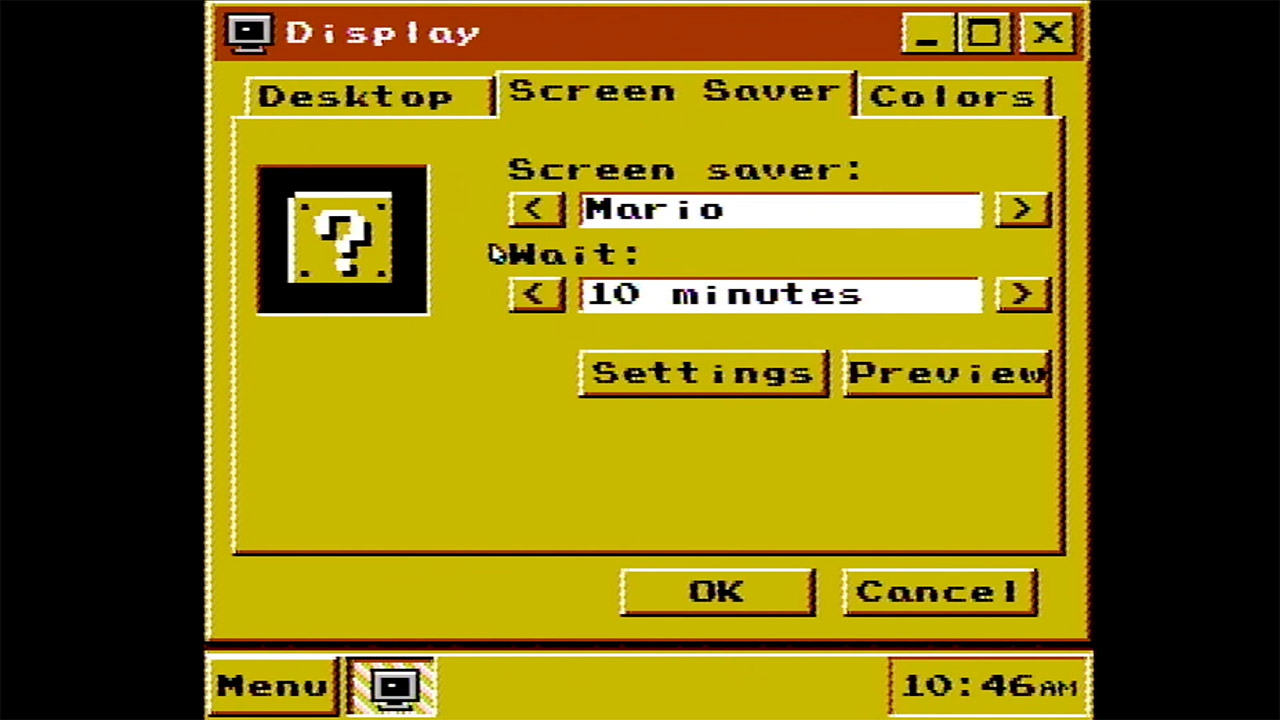
The screensavers alternate between Mario tool-assisted speedrun footage and the iconic flying toaster animation. You may even alter the backgrounds and colors through the options menu. A small portion of the BIOS also includes two text-mode games, Pong and Tetris, to keep you entertained while the desktop refuses to load. To demonstrate the concept, Mumbo’s version illustrates that the original NES can still sit at the center of the entire setup rather of being supplanted by it.
Gamer Turns Original NES Into Working Desktop PC With Keyboard, Mouse and Browser
#Gamer #Turns #Original #NES #Working #Desktop #Keyboard #Mouse #Browser