Siri AI Finally Feels Like the Assistant Apple Always Promised in iOS 27
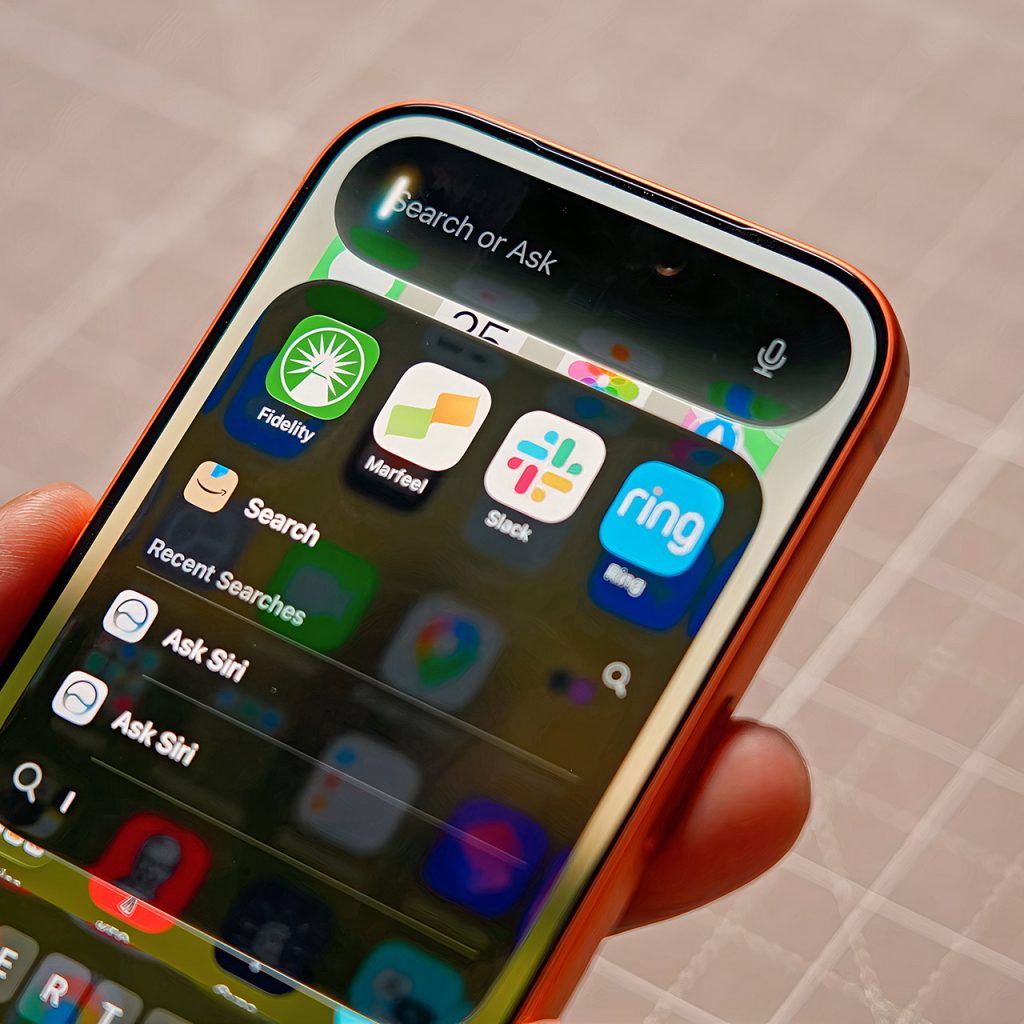
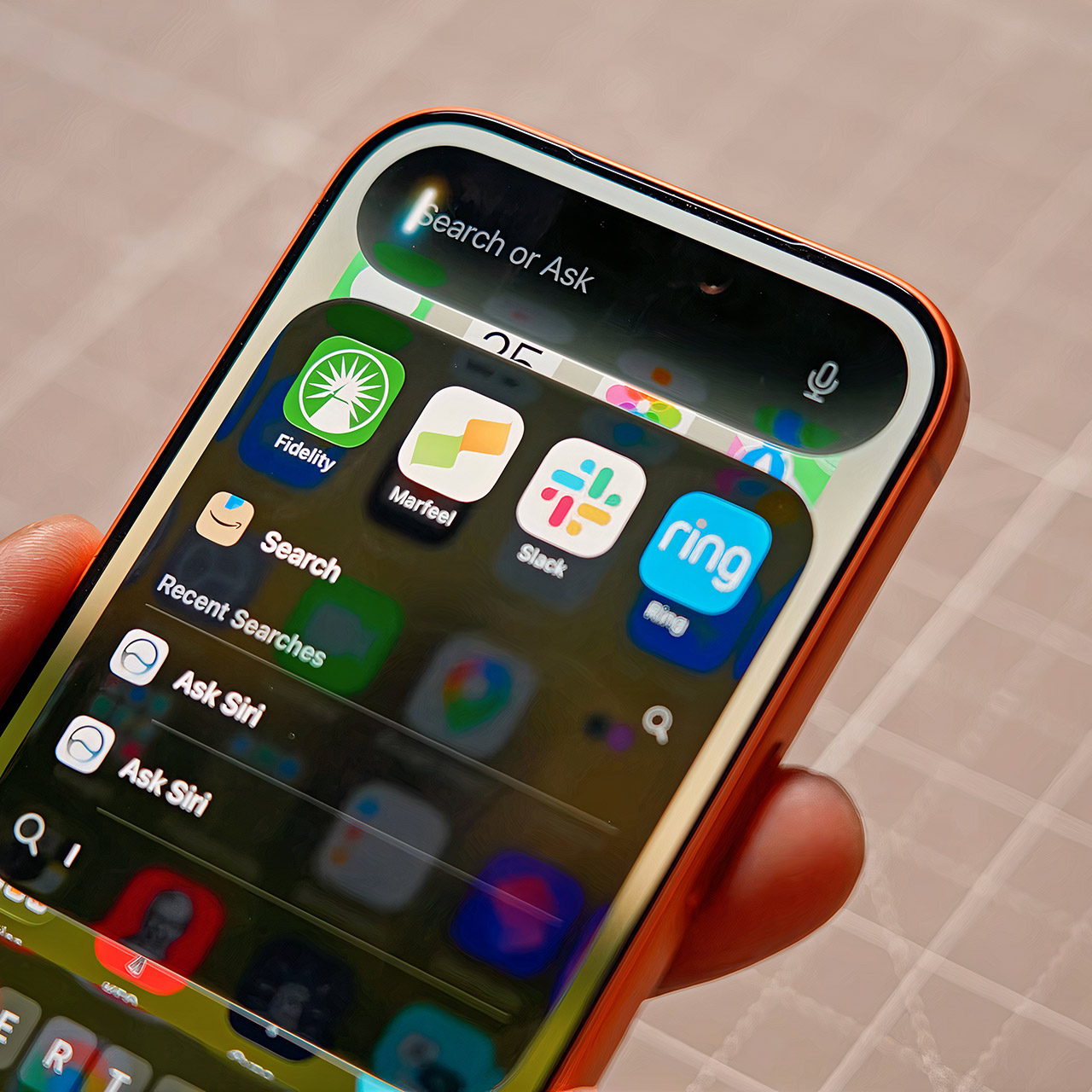
iOS 27 public beta rolled out this afternoon and the rebuilt Siri is the reason most people will install it on day one. After years of half-steps and delays, Apple has delivered a version that actually reaches into your email, messages, calendar, and the stuff on your screen to get things done without forcing you to open half a dozen apps first.
Early testers who have been using developer builds for a month have detected a very small but significant shift. You don’t find yourself reaching for the browser or, for that matter, Spotlight as frequently as you formerly did. Now, a simple swipe down from the top of the screen feels quite intuitive and is frequently the quickest method to go where you need to go. When you ask Siri about the order of bands at a free concert you found online, she will search through the page, double-check the primary sites, and tell you who is closing out. Or, better yet, ask it to grab all of your WWDC briefings from your email and convert them into individual calendar events, which it does, complete with all of the appropriate times.
Sale

Apple 2025 MacBook Pro Laptop with Apple M5 chip with 10‑core CPU and 10‑core GPU: Built for AI…
- SUPERCHARGED BY M5 — The 14-inch MacBook Pro with M5 brings next-generation speed and powerful on-device AI to personal, professional, and creative…
- HAPPILY EVER FASTER — Along with its faster CPU and unified memory, M5 features a more powerful GPU with a Neural Accelerator built into each core…
- BUILT FOR APPLE INTELLIGENCE — Apple Intelligence is the personal intelligence system that helps you write, express yourself, and get things done…
The real magic happens with personal context, but you must allow the phone some time to get a hold on all of your data, which can take several days depending on how much you have stored. Once everything has been indexed, Siri will be able to be extremely intelligent about what is hidden in Mail, Messages, Notes, Reminders, and Calendar. Want to know what’s happening this week? Just ask, and it’ll surface that TikTok Shop order that’s coming in the mail, the tickets your friends were talking about in that group chat, a birthday party, and a live show, all without you having to recall all the specifics, and it’ll even remember your partner’s food preferences based on notes and past messages, then remind you they don’t do salad.
Onscreen awareness turns the whole phone into a smarter surface. Look at a concert page and say “remind me to buy tickets to this when they go on sale” and Siri understands you mean the event in front of you. Scroll past a post about a singer’s comments and ask “where did she say this?” and it pulls the festival name and source links. Point the new Siri mode in the Camera app at a membership barcode and it offers to turn the photo into a Wallet pass. Visual Intelligence also works for quick identification: snap a clip from an old show and it names the actor, then answers follow-ups about recent roles.
Responses now appear directly inside Siri on Messages and Notes, so you can try it out by specifying the tone you desire and watching an entire paragraph appear, ready to send. Answers are now available within the Dynamic Island. Pull down on any of them, and the entire discussion will open up, allowing you to continue where you left off without having to start over. There is also a specific Siri app that allows you to save all of your history and sync it privately via iCloud. You can pick how long all of these chats stay on your phone, 30 days, a year, or forever, and those with the correct hardware receive added speech options like changeable pace and expressiveness sliders, allowing your assistant to sound even more natural.
Siri AI Finally Feels Like the Assistant Apple Always Promised in iOS 27
#Siri #Finally #Feels #Assistant #Apple #Promised #iOS